01
Create your organization
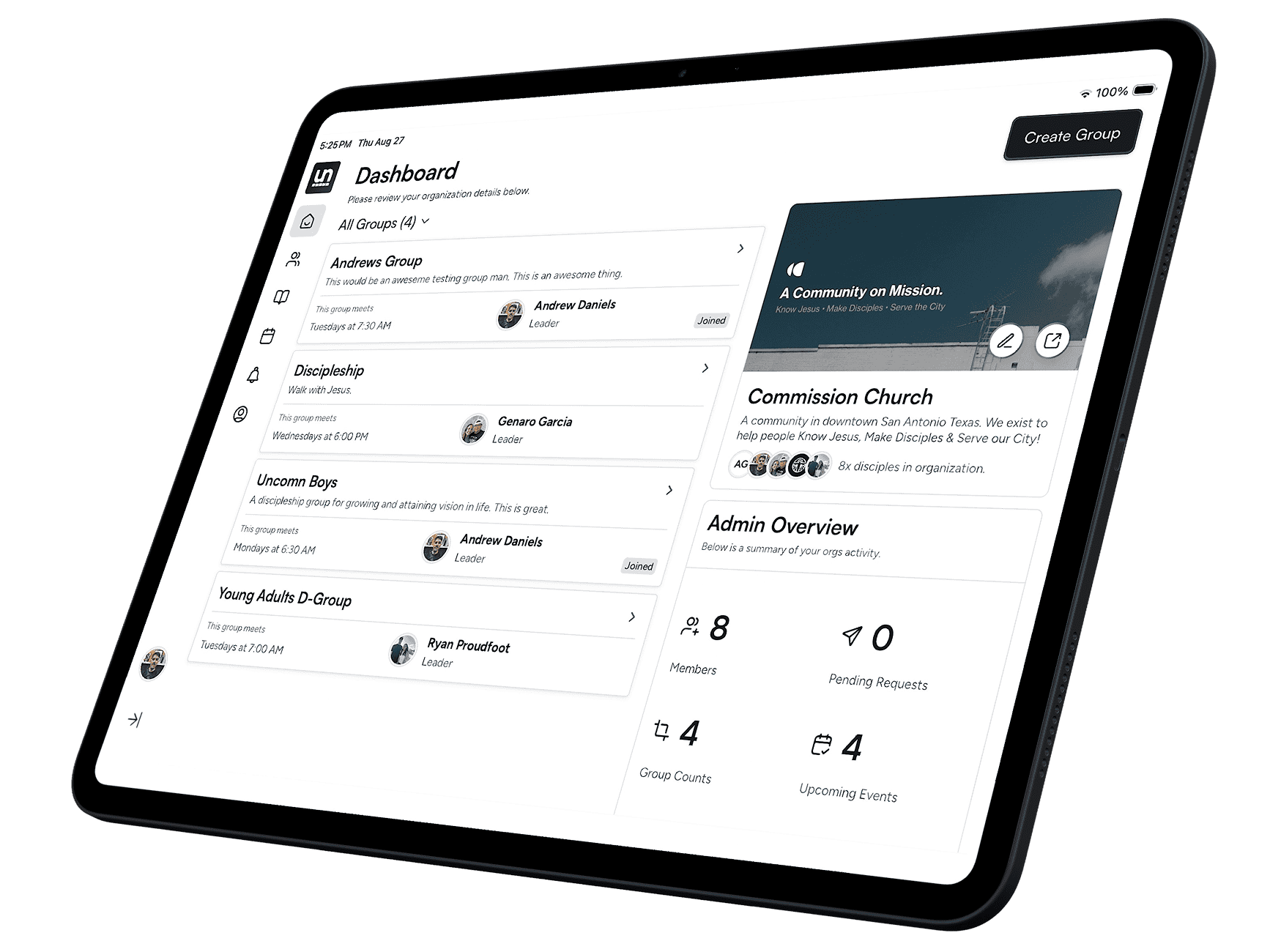
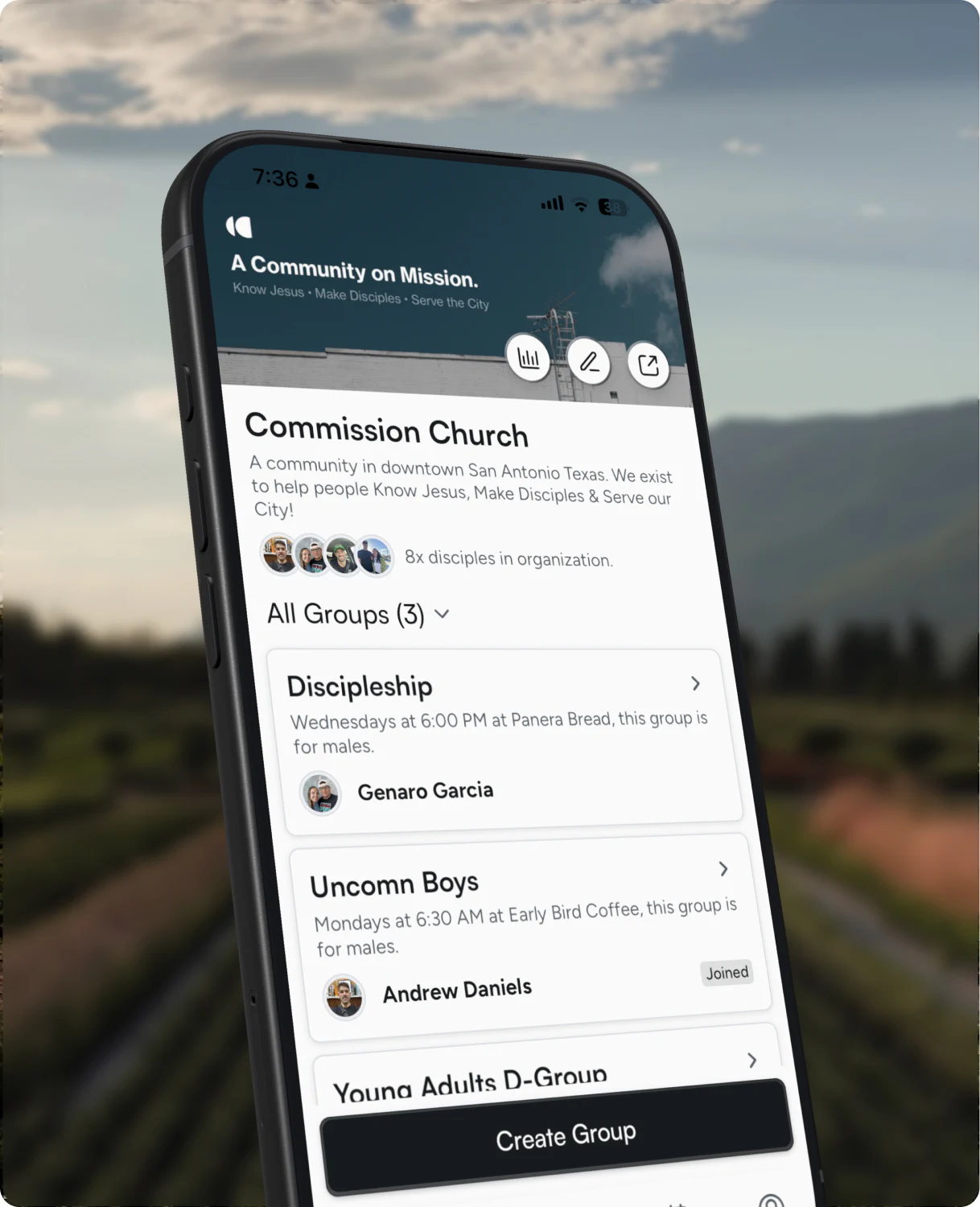
Name your church or ministry and choose how people join. You get a public page to share from day one.
Everything you need to get your organization tracking discipleship, easier.
From sign-up to your first meeting in four steps — create your organization, set up a group, and invite your people. Uncomn carries the weekly load from there.
Create your organization
Name your church or ministry and choose how people join. You get a public page to share from day one.
Choose who it’s for and when it meets. The schedule you set here drives everything that follows.
Add members or invite new people by email. One tap on the invite and they’re in the group.
Then the week runs itself
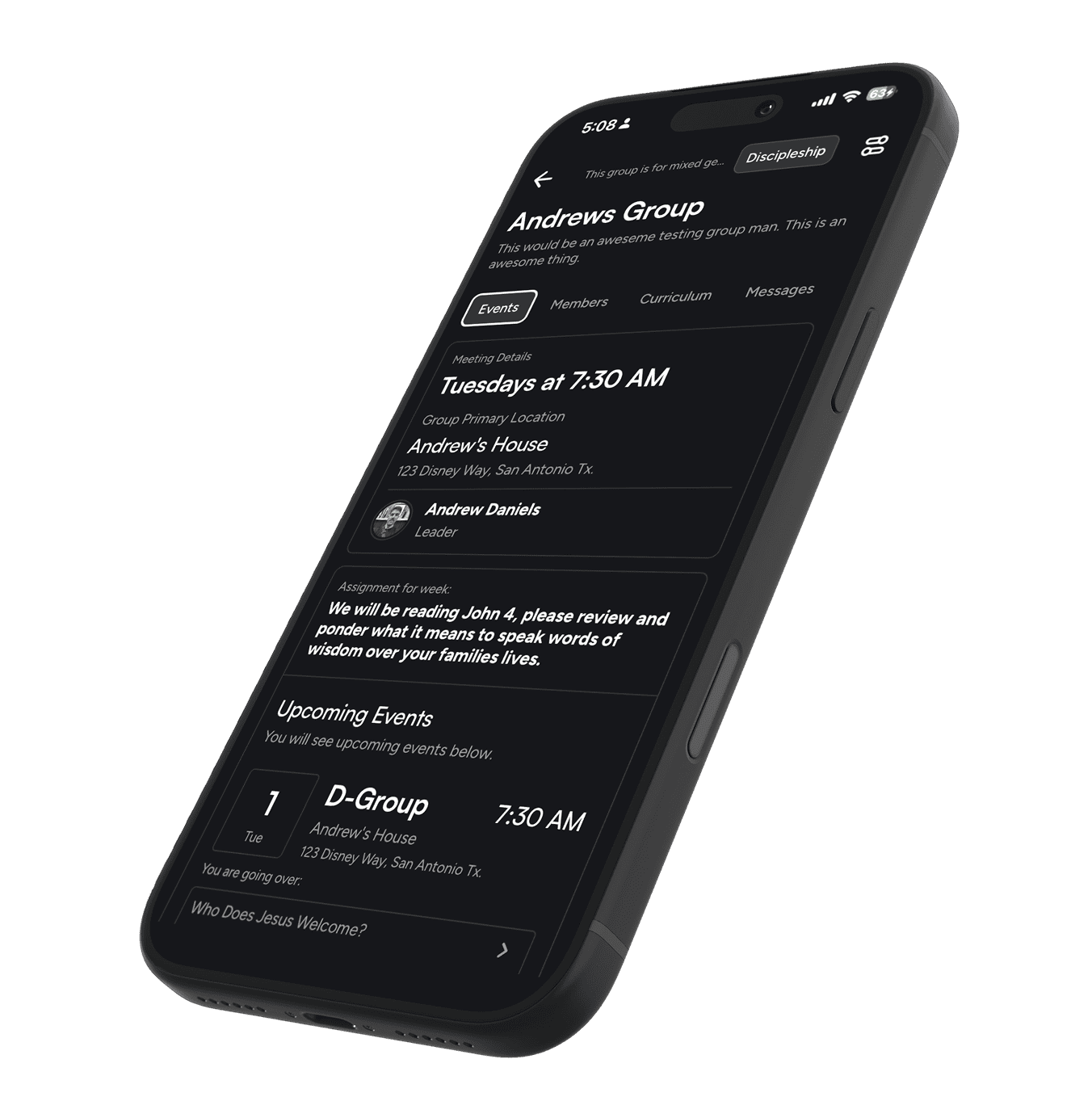
Meetings are created for you, reminders go out on your schedule, and each week’s lesson is lined up.
Page coming soonFor group leaders and members
Three steps, whether you’re leading a group or joining one.
Toggle on auto-create events and, once you assign curriculum, each lesson is assigned to a subsequent week.
Pick what your group studies. Each week’s lesson is lined up with the meeting.
See who’s coming, who came, and how each member is progressing week to week.
Get started
Create your organization, bring your groups in, and see the whole web for the first time.
Coming Soon to Play Store
 © 2026 Uncomn Discipleship