NewiOS home screen widgets

Uncomn, on your home screen.

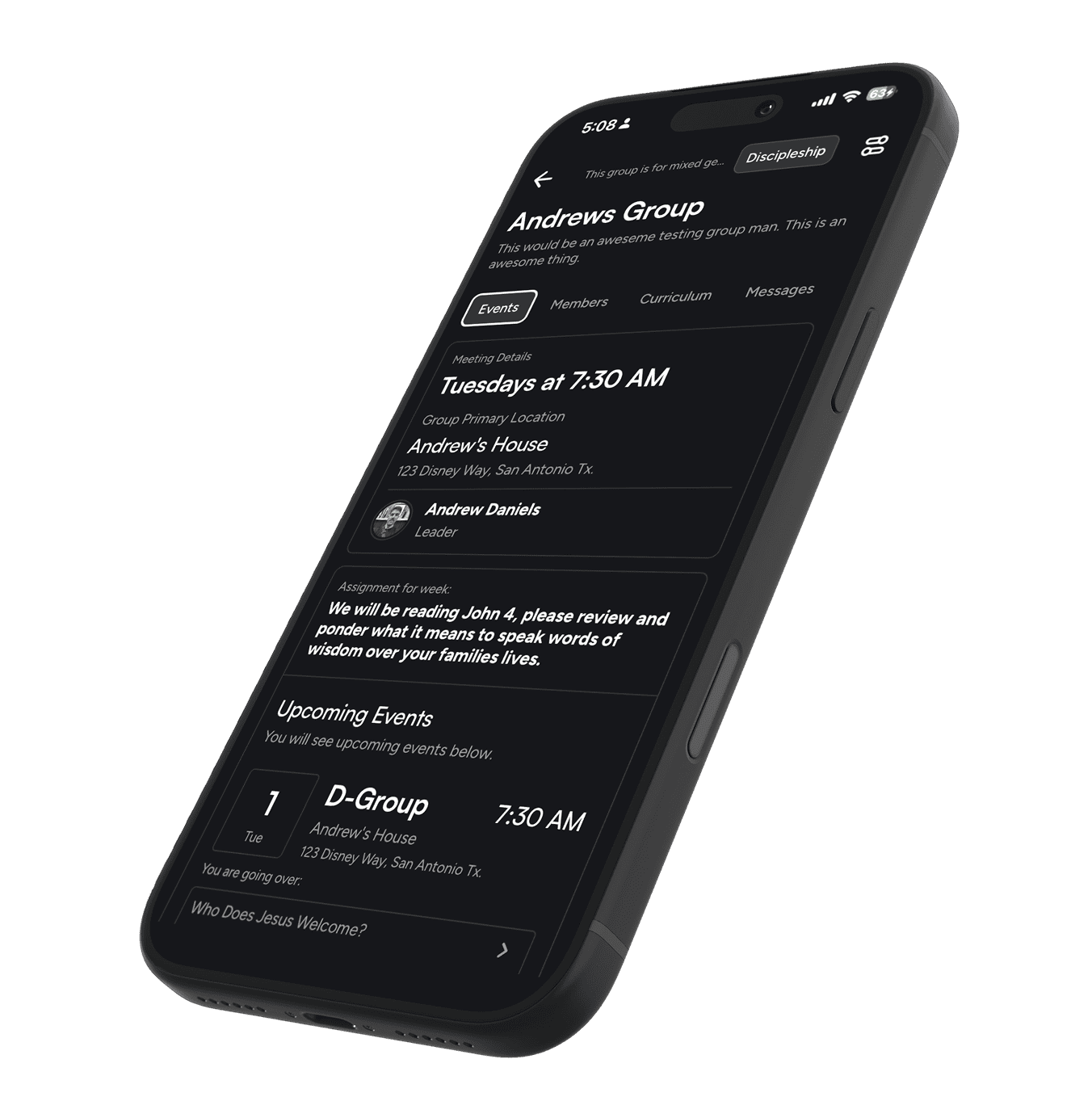
Your next meeting, this week’s lesson and assignment, and how your groups are doing — one glance away, without opening the app.

For everyone in a group

Know what’s next

Two widgets for every member: the one meeting that matters most right now, and the week that follows it. Each comes in small, medium and large.

Everyone

Next Up

Your next meeting, its lesson, and your checklist for it — RSVP, lesson, reflection. When a meeting has no assignment of its own, it shows the one given at your last meeting.

Small
Medium
Large
Everyone

Upcoming Meetings

Your next meeting, and what follows it. Large shows the week as an agenda, with who’s going.

Small
Medium
Large

For pastors and org leaders

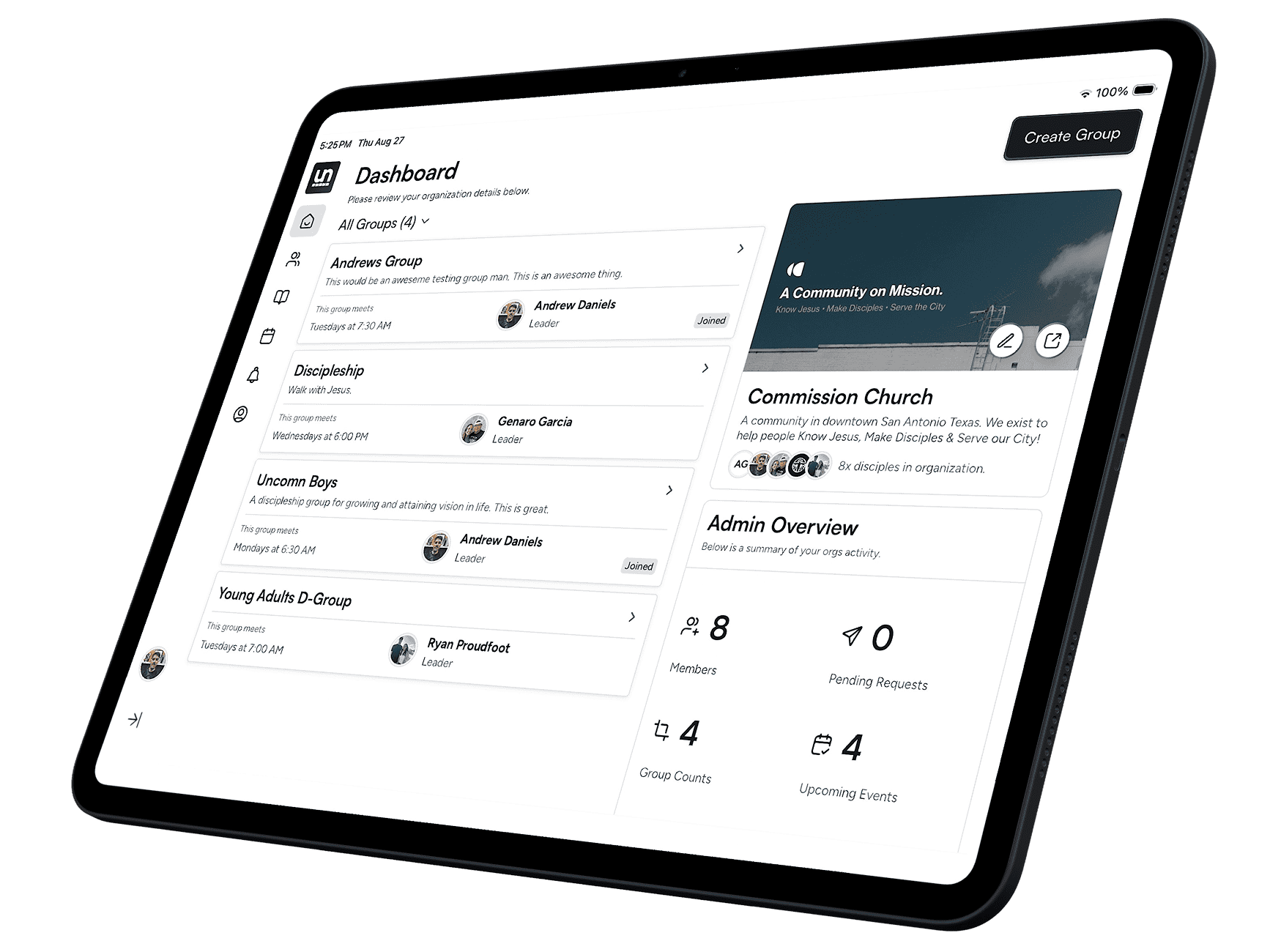
See your ministry at a glance

Two widgets for owners, admins and leaders. Long-press to choose which organization each one shows.

Org leaders

Group Health

Who showed up over the last four weeks, against who RSVP’d, plus each group’s show rate and which groups need attention.

Medium
Large
Org leaders

Organization Stats

Members, join requests and activity over the last 30 days. Small shows the one number you pick — pending requests, members, active people, groups, upcoming meetings, or lessons completed.

Small
Medium

Built in

Always current

Set up

Add one in three steps

Install Uncomn from the App Store and sign in once. Widgets are on iPhone today; Android is coming soon.

  1. 01

    Touch and hold

    Touch and hold an empty spot on your home screen until the apps jiggle.

  2. 02

    Tap Edit, then Add Widget

    Search for “Uncomn” in the widget gallery.

  3. 03

    Pick a widget and size

    Swipe through Next Up, Upcoming Meetings and, for leaders, Group Health and Organization Stats. Tap Add Widget.

Get started

Start watching your members grow spiritually richer.

Create your organization, bring your groups in, and see the whole web for the first time.

Coming Soon to Play Store